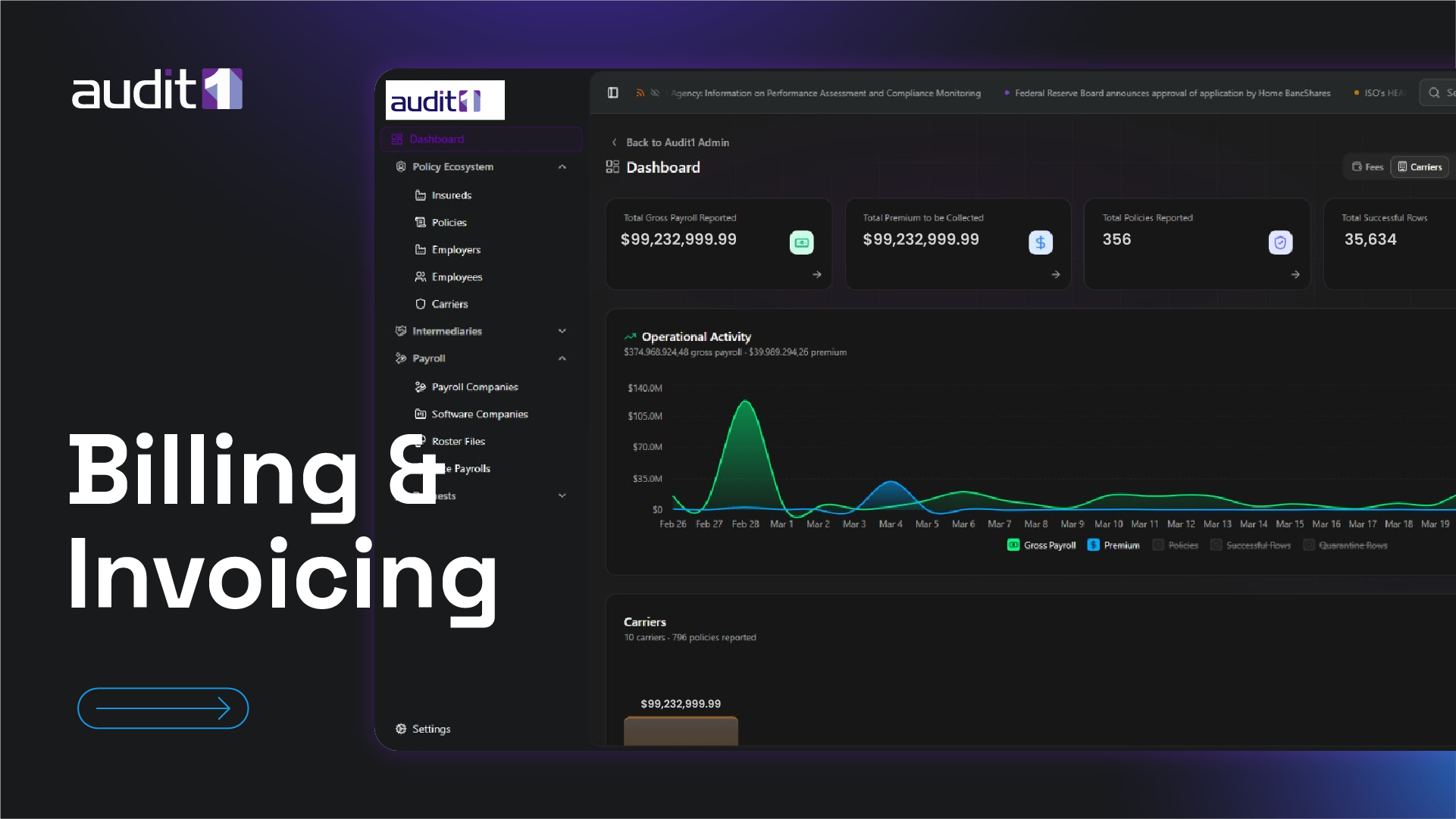
Step-by-step guides to get the most out of the platform — from your first login to advanced integrations.
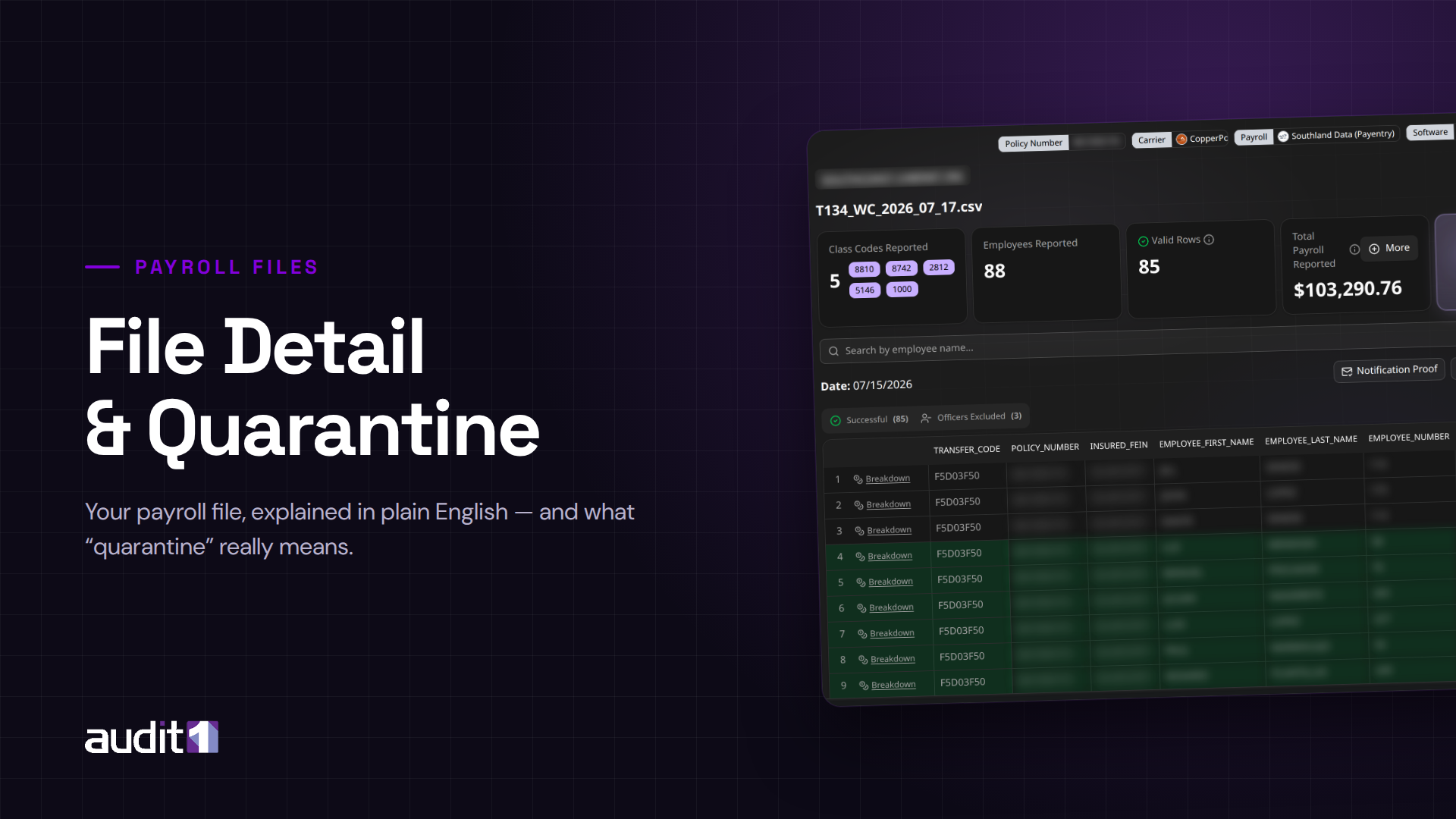
Step-by-step walkthroughs with real screenshots for every major workflow on the platform.
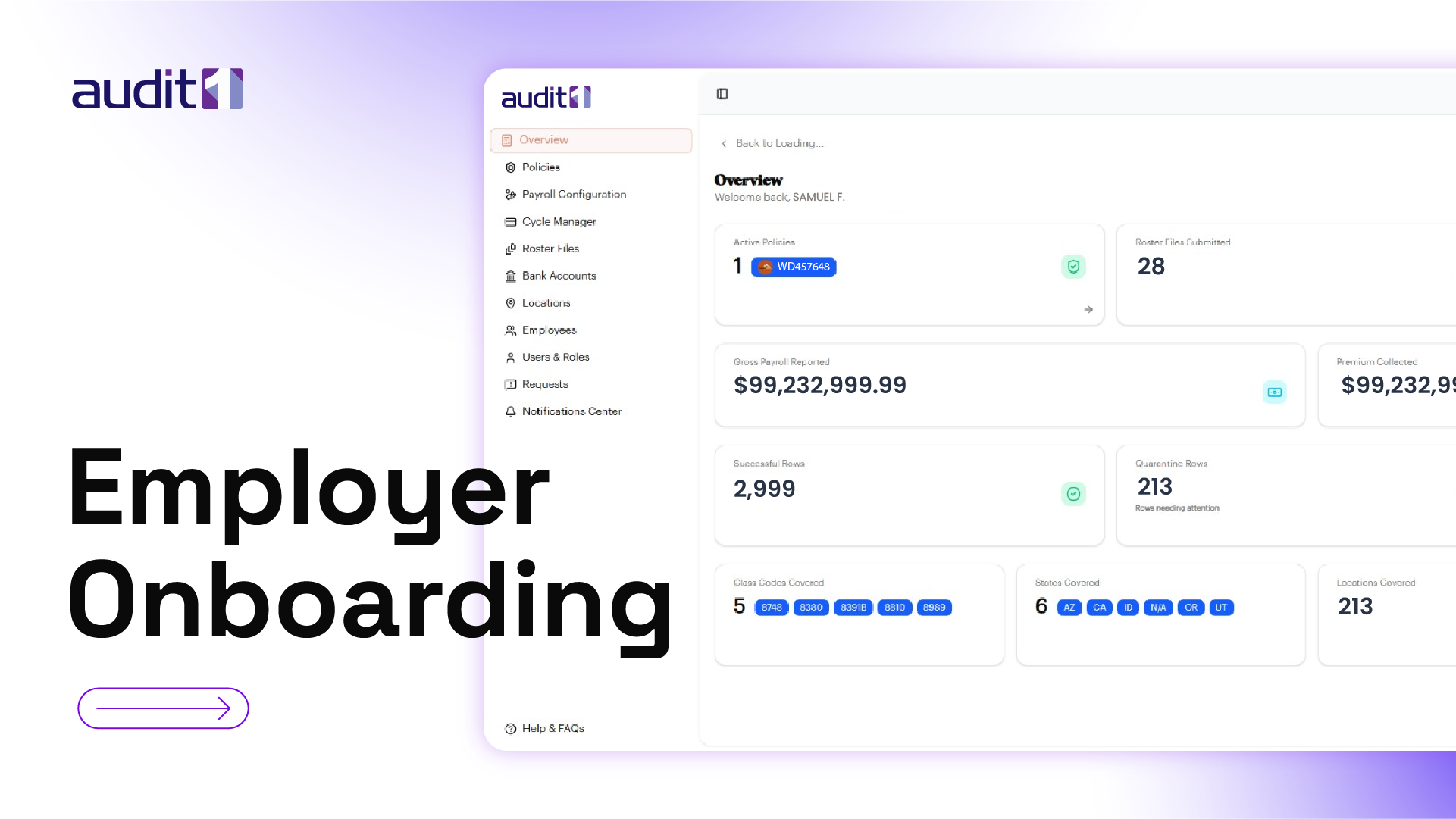
Beginner
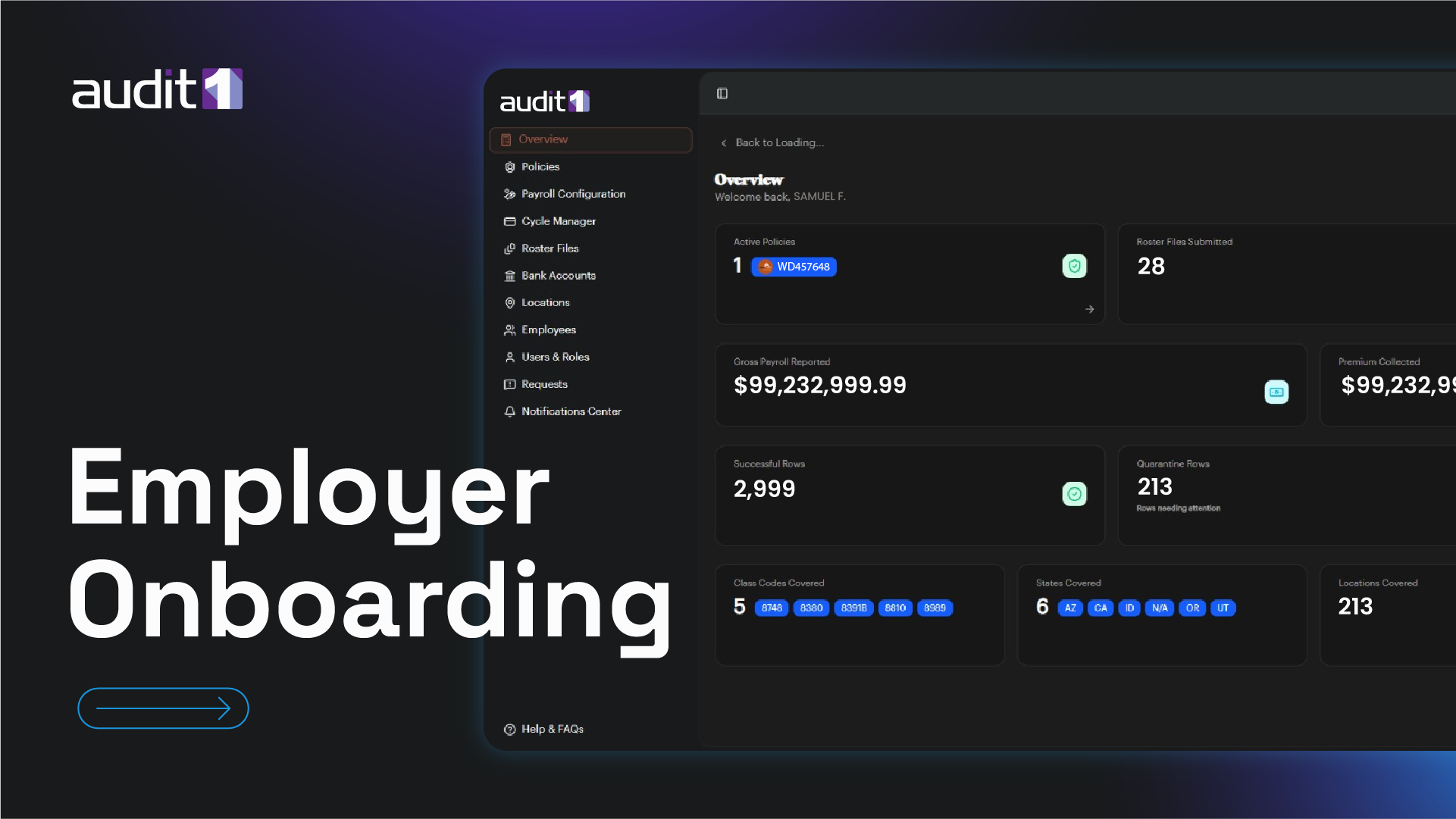
Your first-time setup — from invitation email to a fully configured account with company details, payroll, bank accounts, and locations.
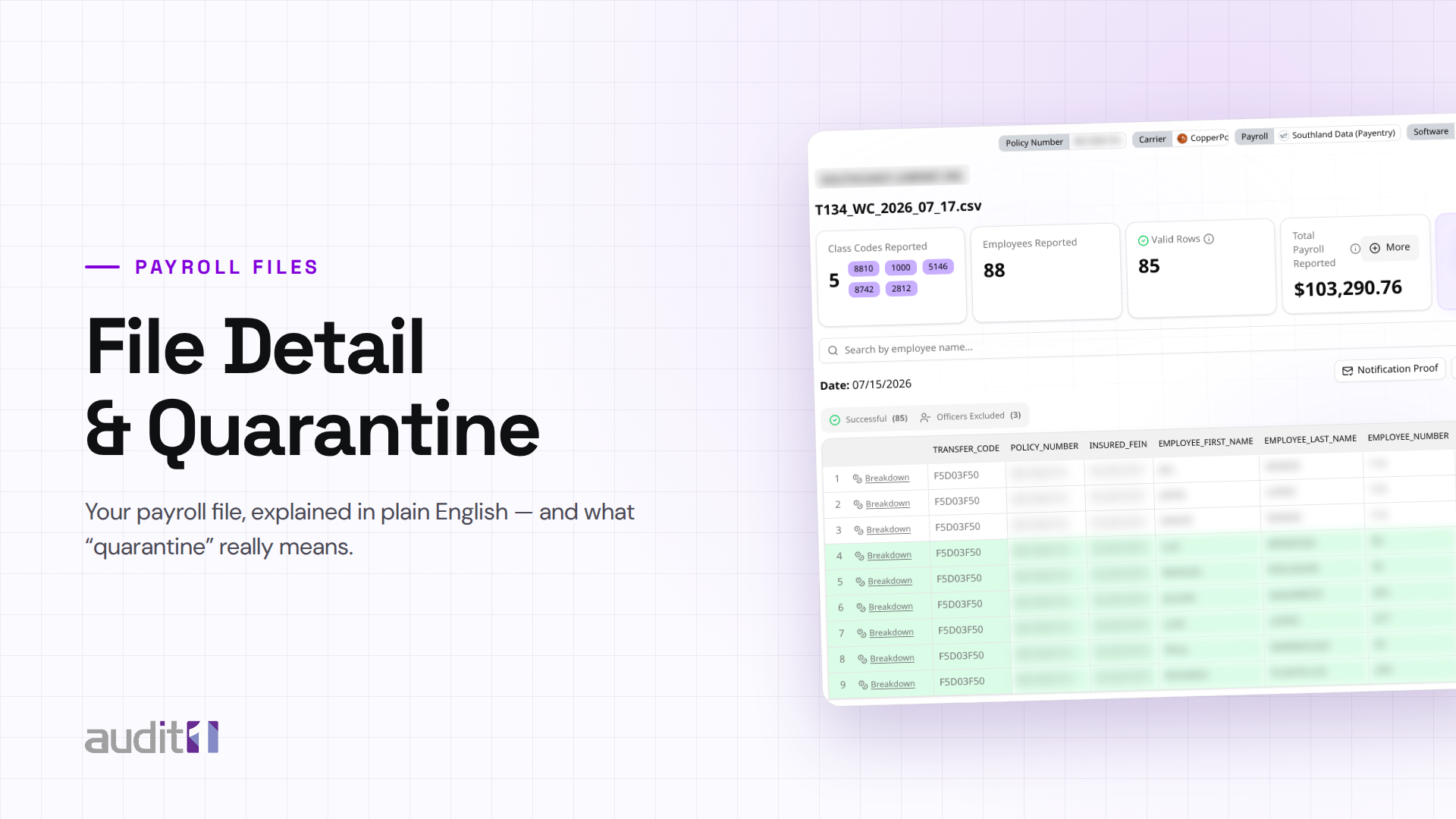
Beginner
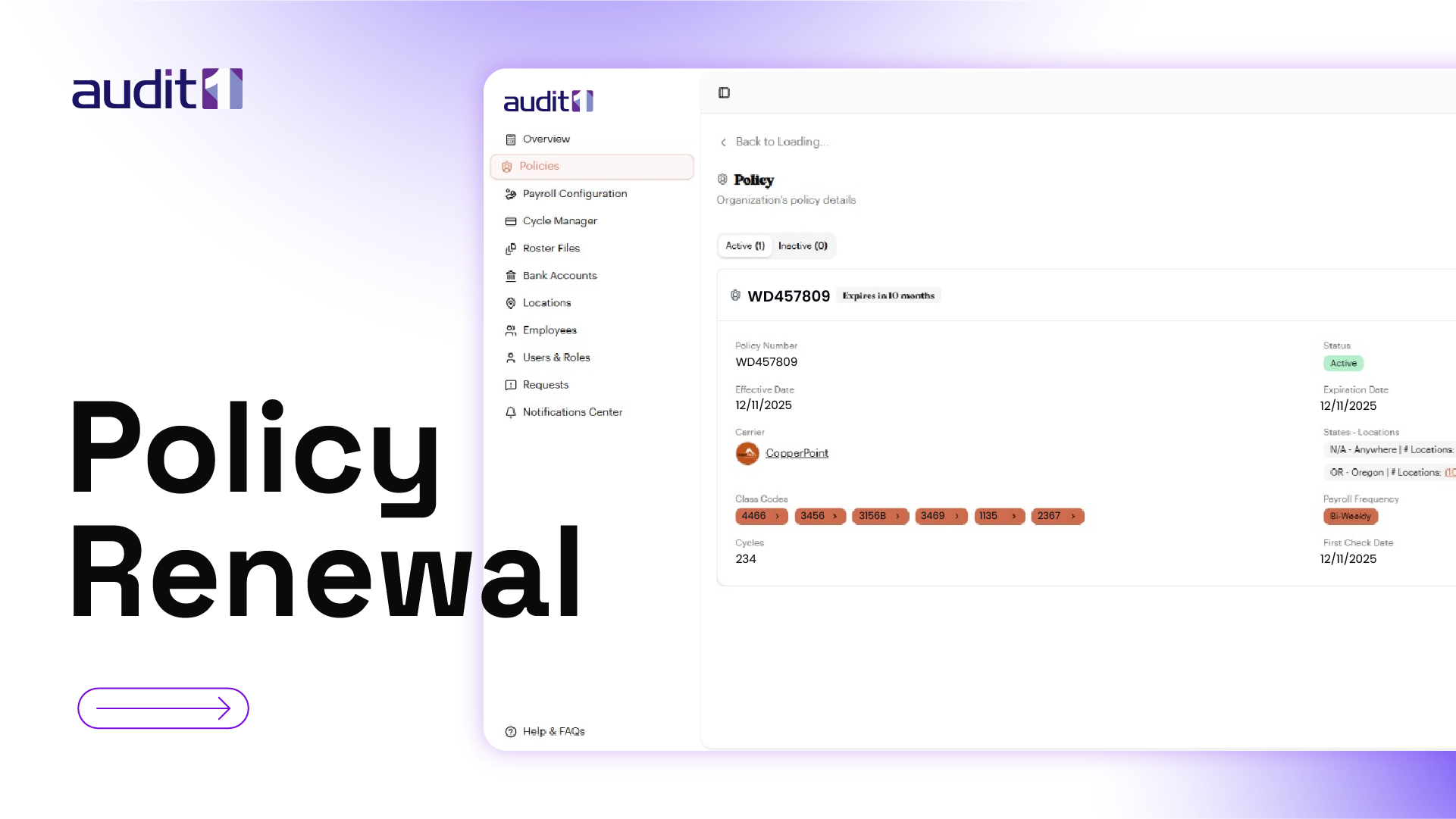
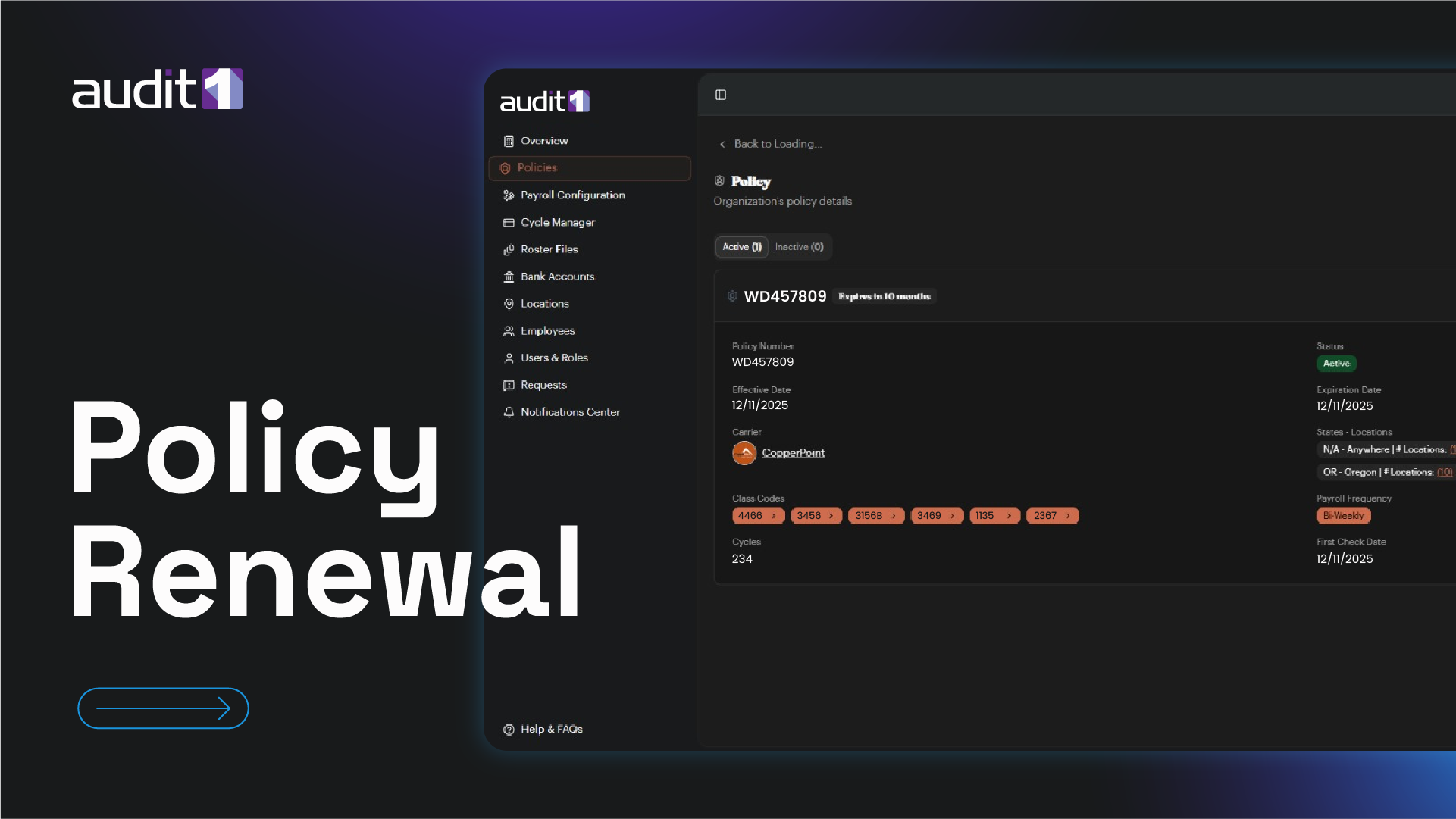
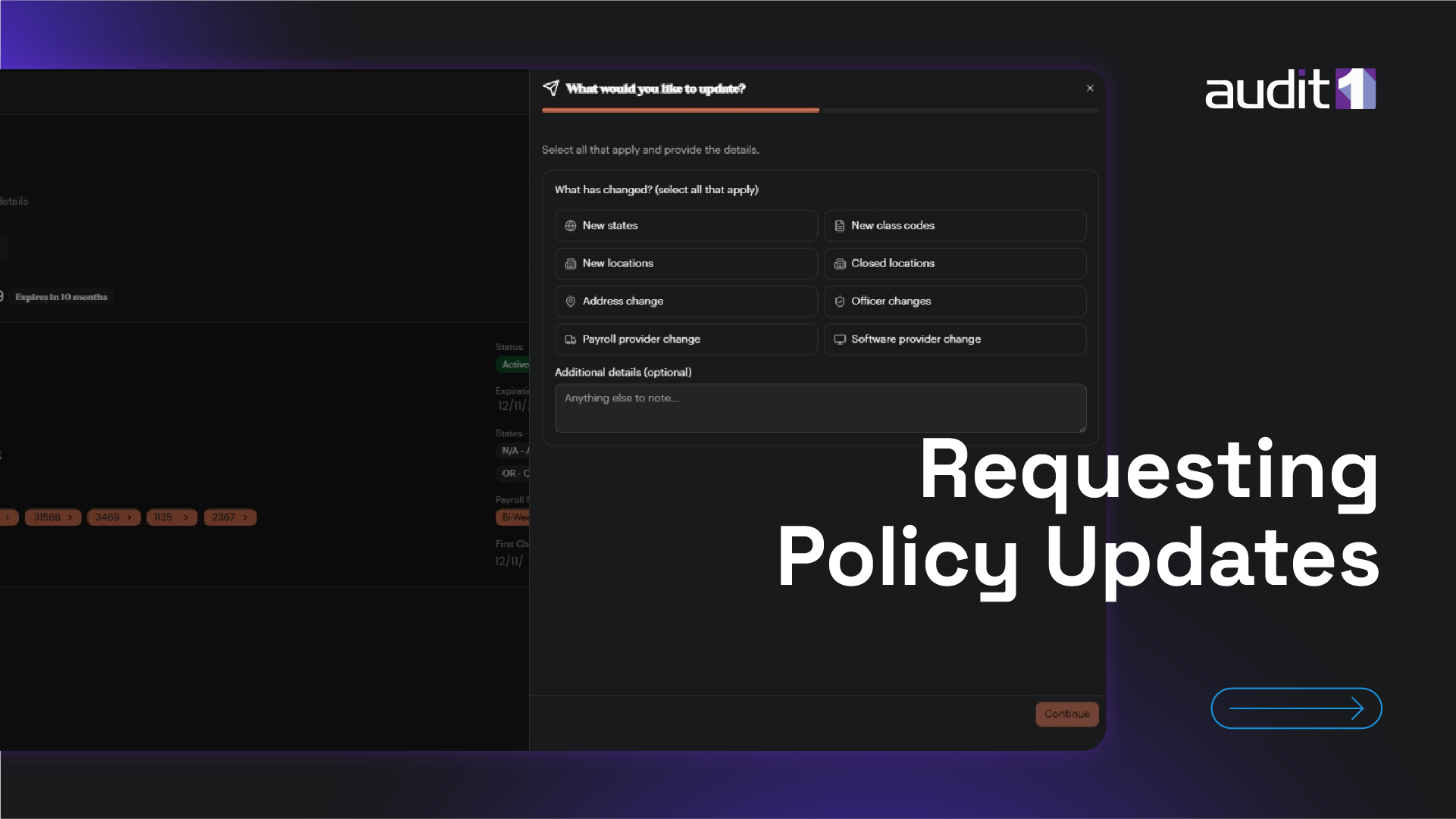
When your policy term ends — confirm everything is the same, or report company changes for your carrier to review.
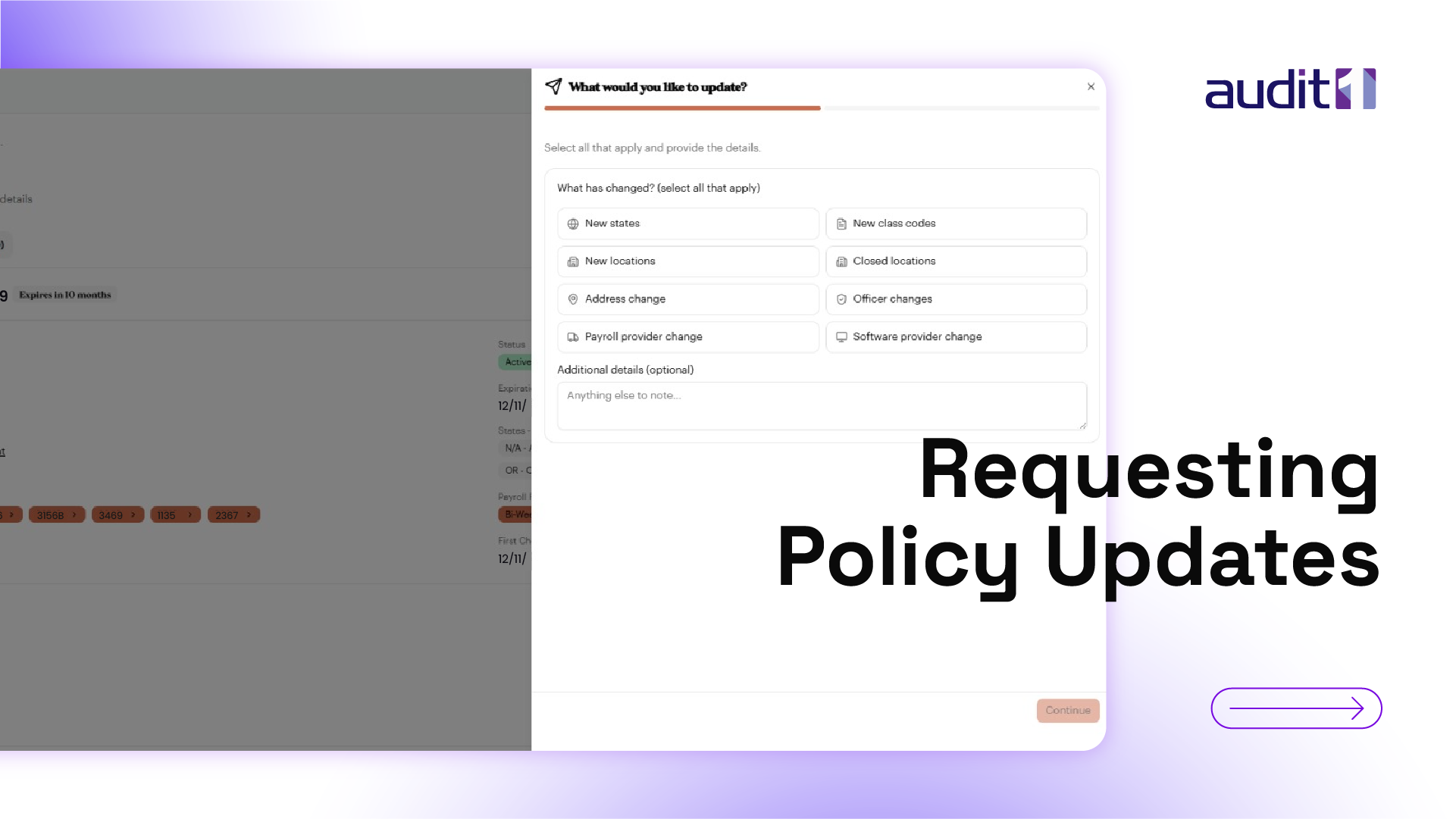
Intermediate
Add new states, class codes, locations, change officers, or switch your payroll/software provider mid-term.
Beginner
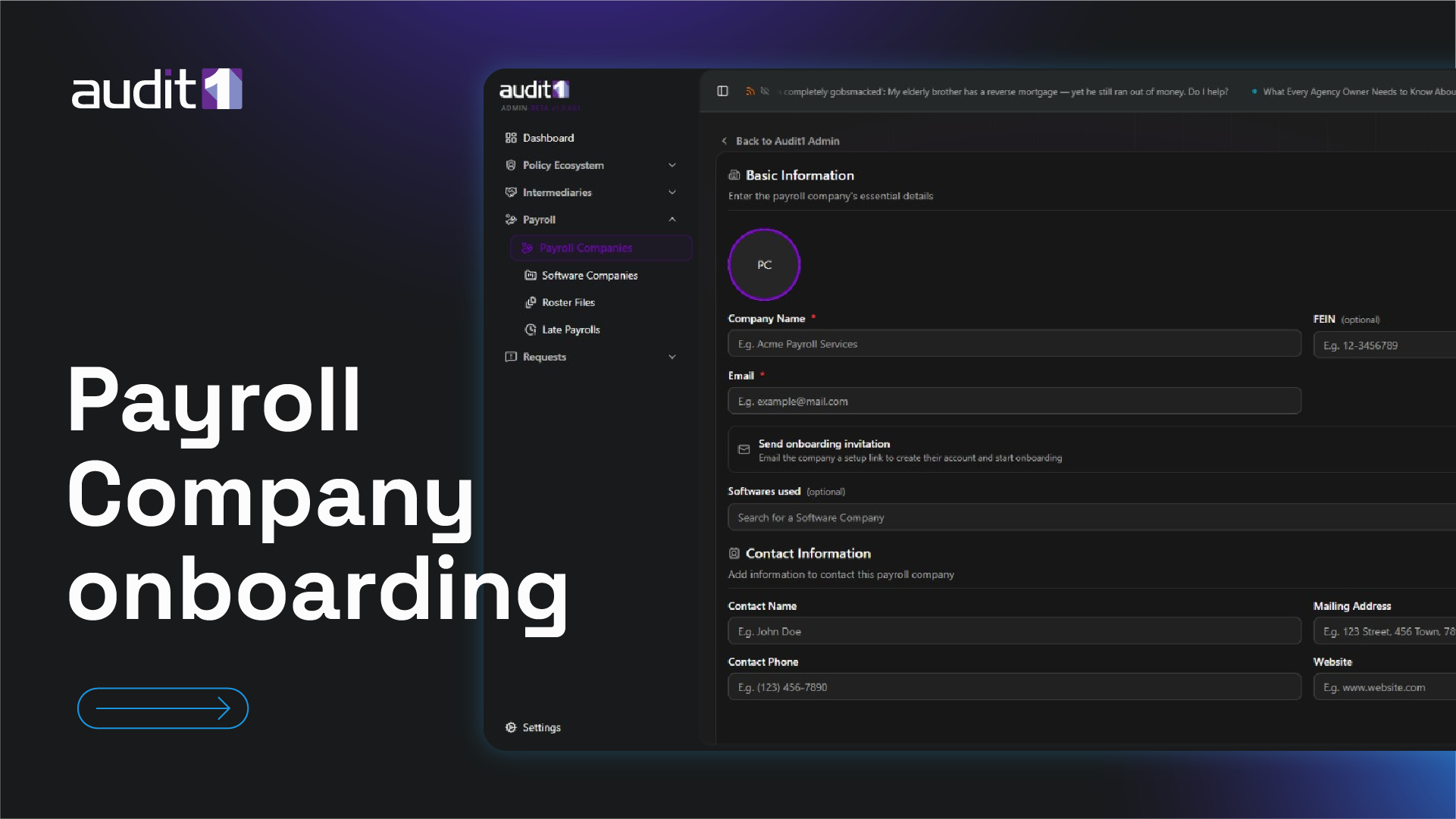
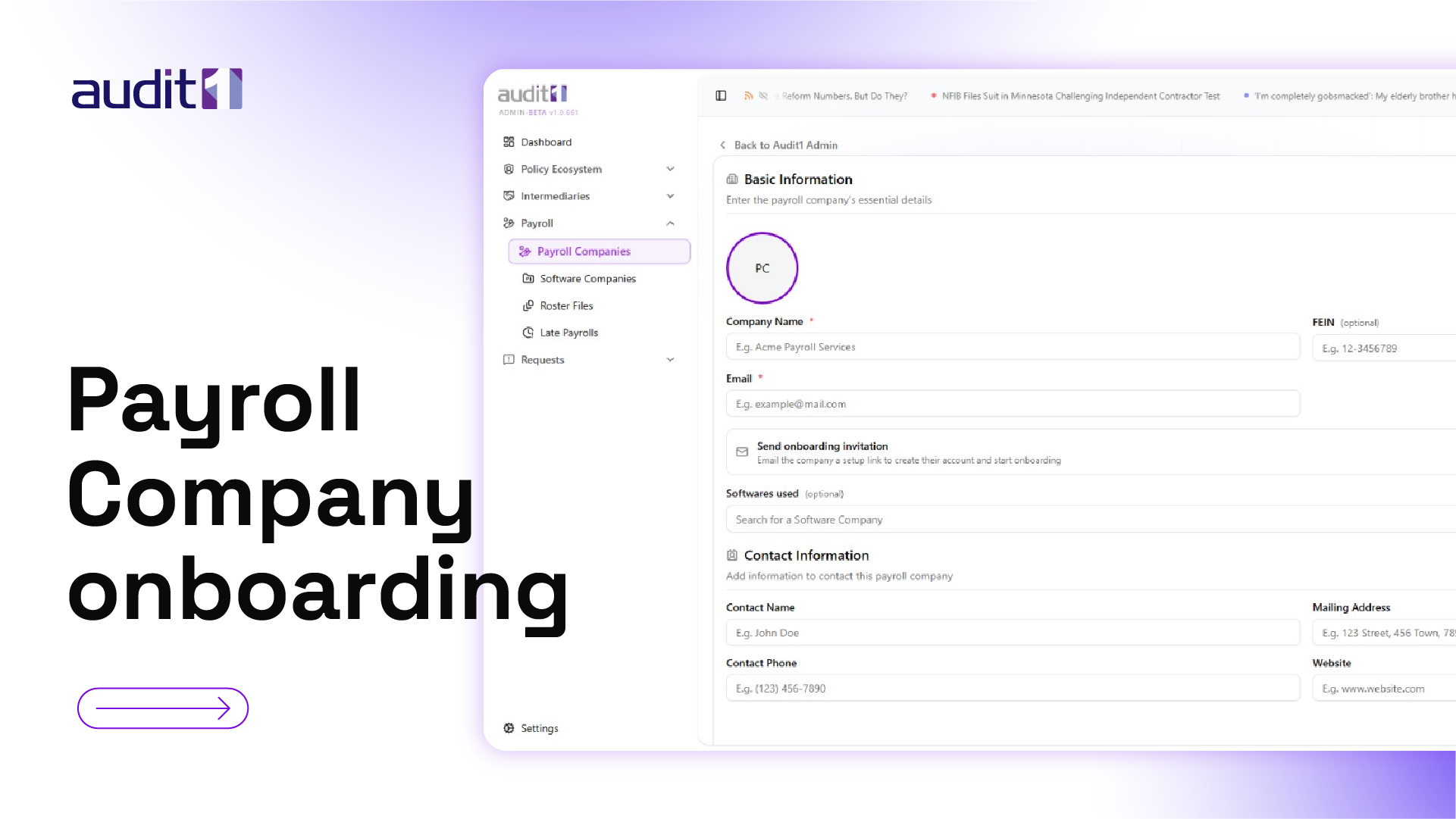
Setup guide for payroll providers — company profile, data ingestion methods, platform education, and proof-of-file upload.
Almost everything starts here — configure how your payroll data flows into Audit1. One walkthrough per connector, with real portal screenshots.
Beginner
The hub where every payroll connection is configured — global for payroll companies, per-account for insureds. Start here.
Beginner
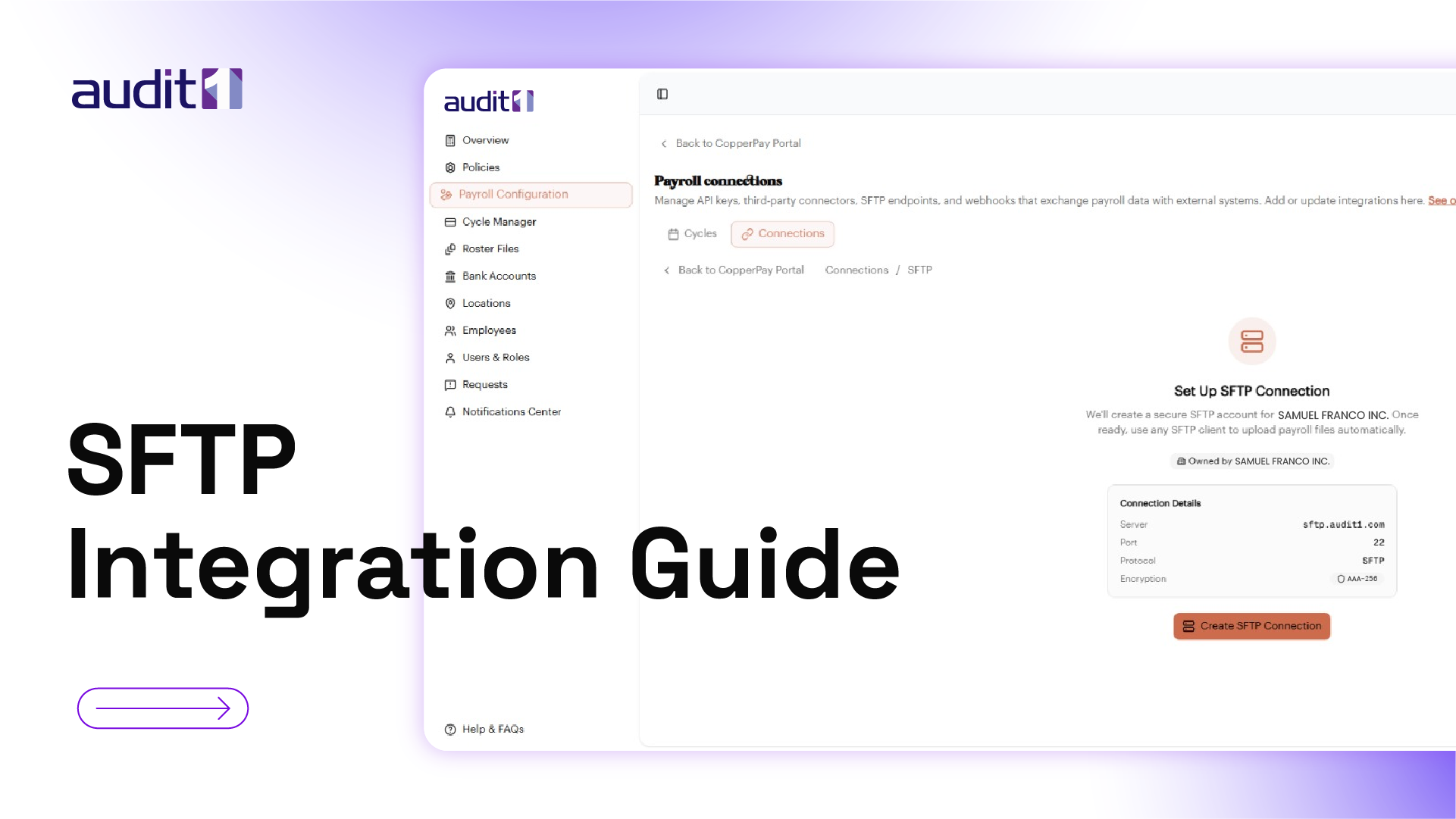
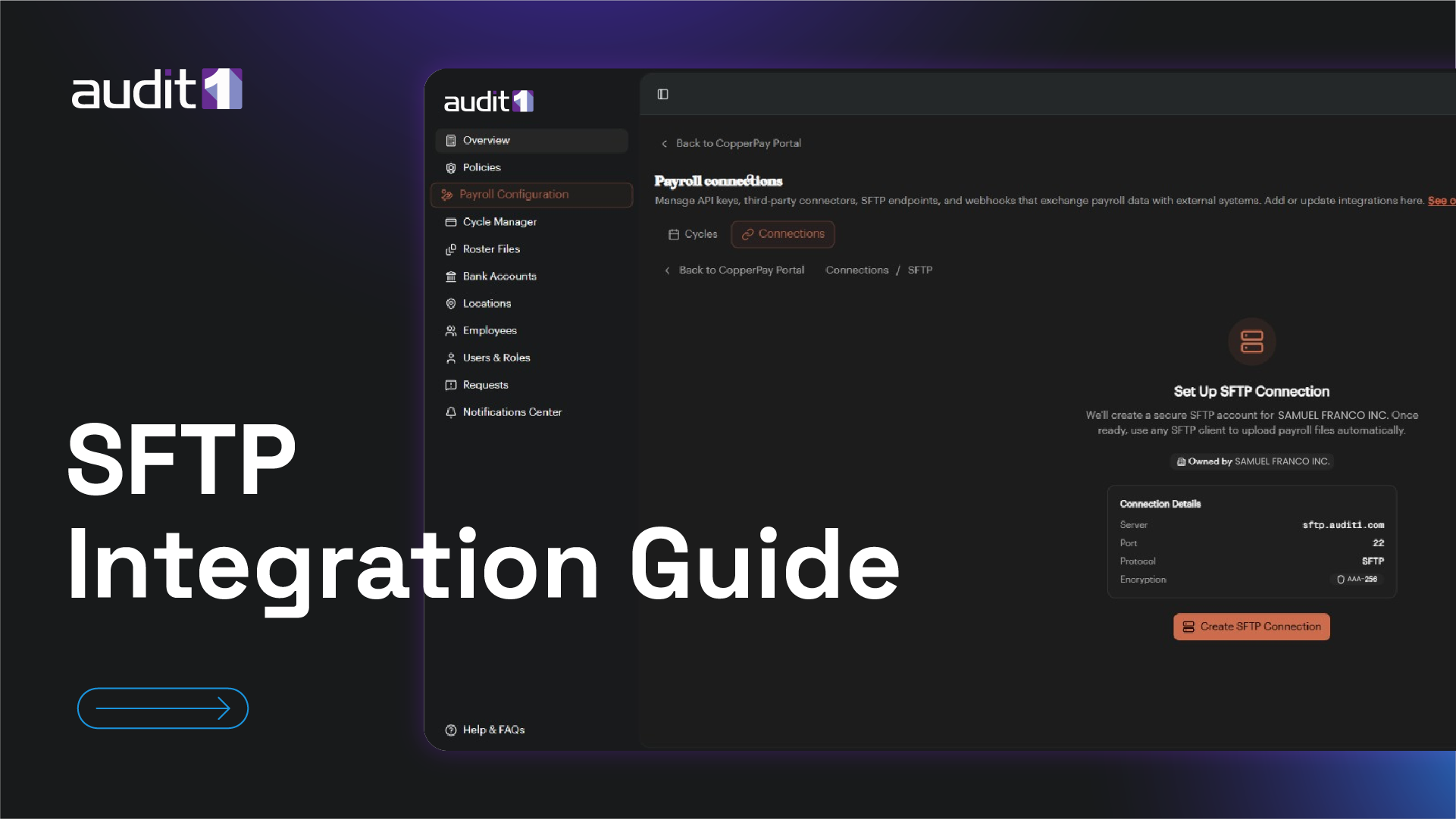
Create a secure SFTP channel — one folder for yourself, or one global folder for all your clients.
Intermediate
Generate API credentials and push payroll data programmatically — on demand, no files.
Beginner
Connect your Paylocity account and let payroll data sync automatically — no uploads, no manual steps.
Beginner
Connect UKG and pull payroll data directly — employee records, pay statements, and earnings.
Beginner
Connect AccountantsWorld Payroll Relief — built for accounting firms managing many clients.
Beginner
Connect QuickBooks Online with a single OAuth authorization — no credentials to copy, ever.
Beginner
Email your payroll file and Audit1 ingests it automatically — file naming, FEIN, and batch rules included.
Intermediate
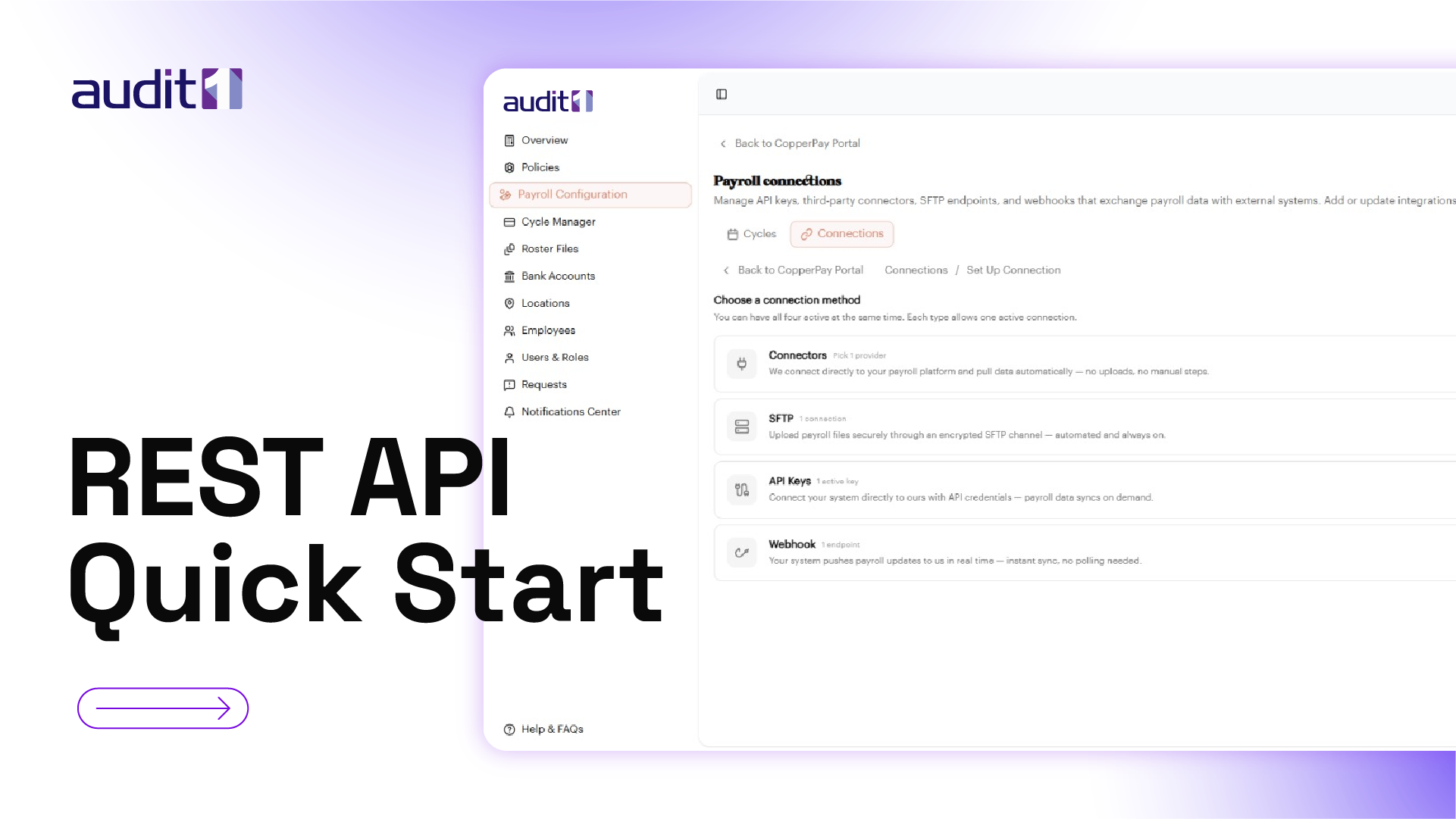
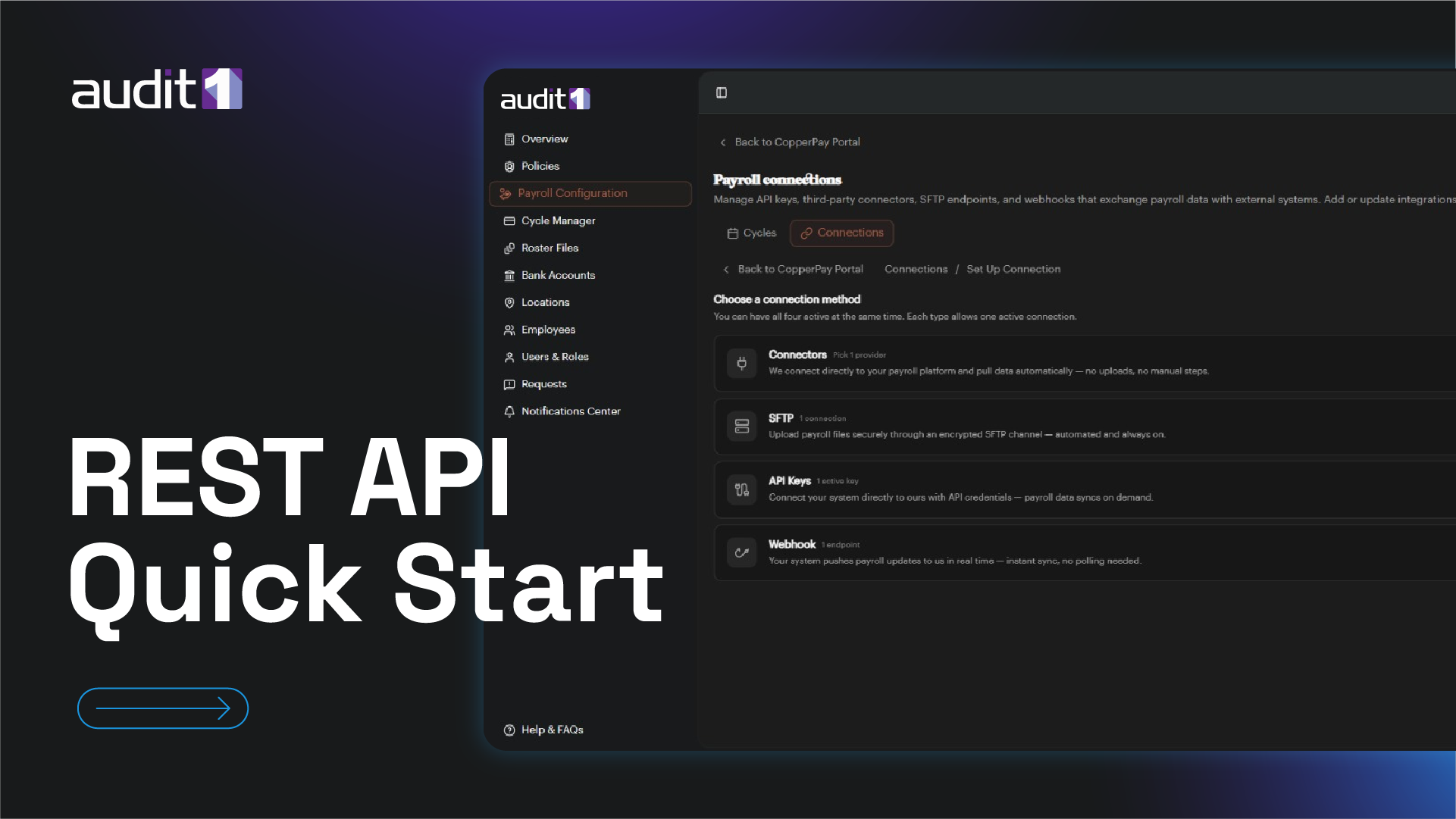
Submit your first payroll report via the API — authentication, request format, and handling async responses.
Intermediate
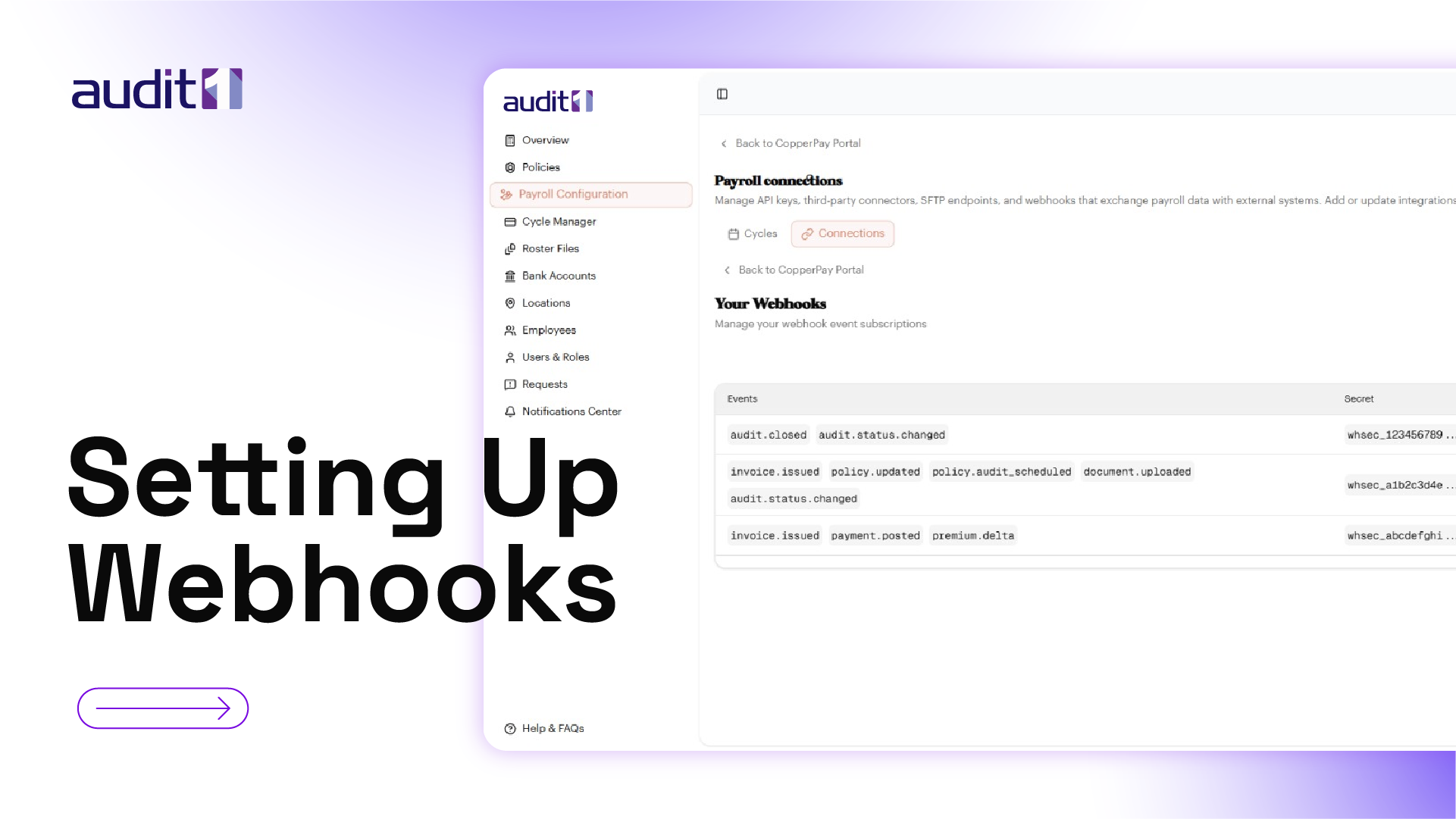
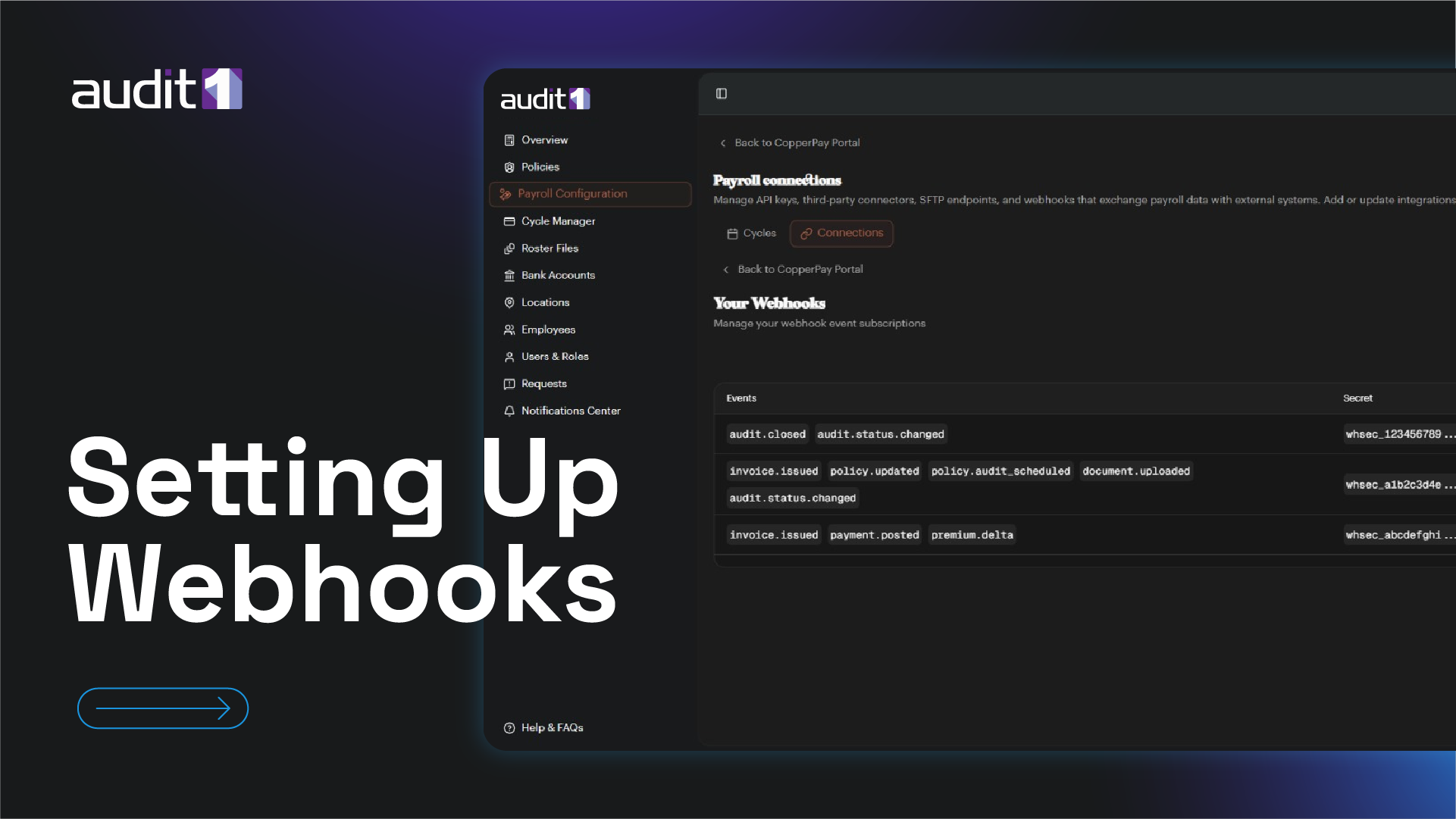
Configure webhook endpoints to receive real-time notifications for file processing and premium calculations.
Advanced
Set up secure SFTP file delivery — folder structure, naming conventions, and automated scheduling.
Advanced
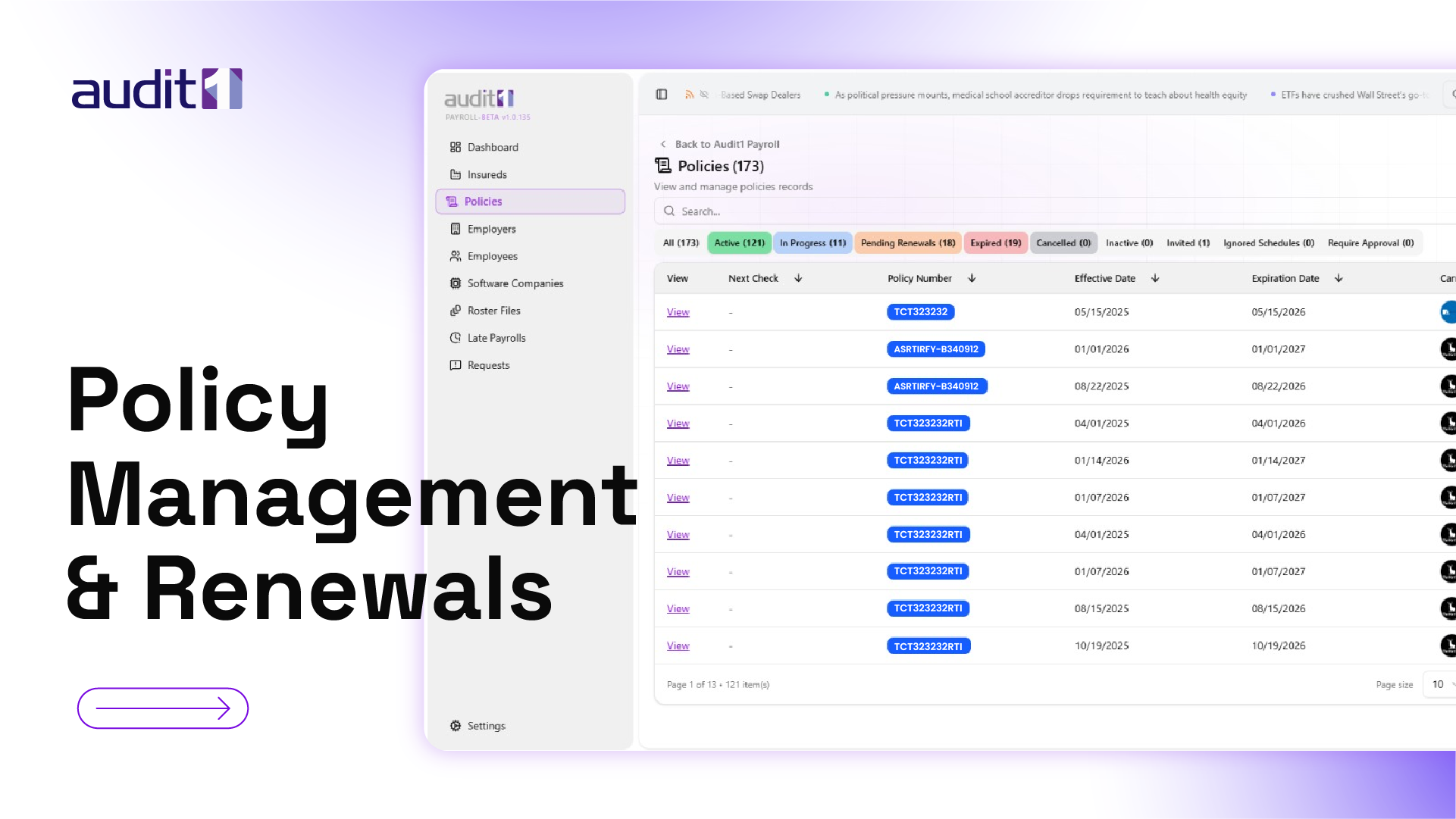
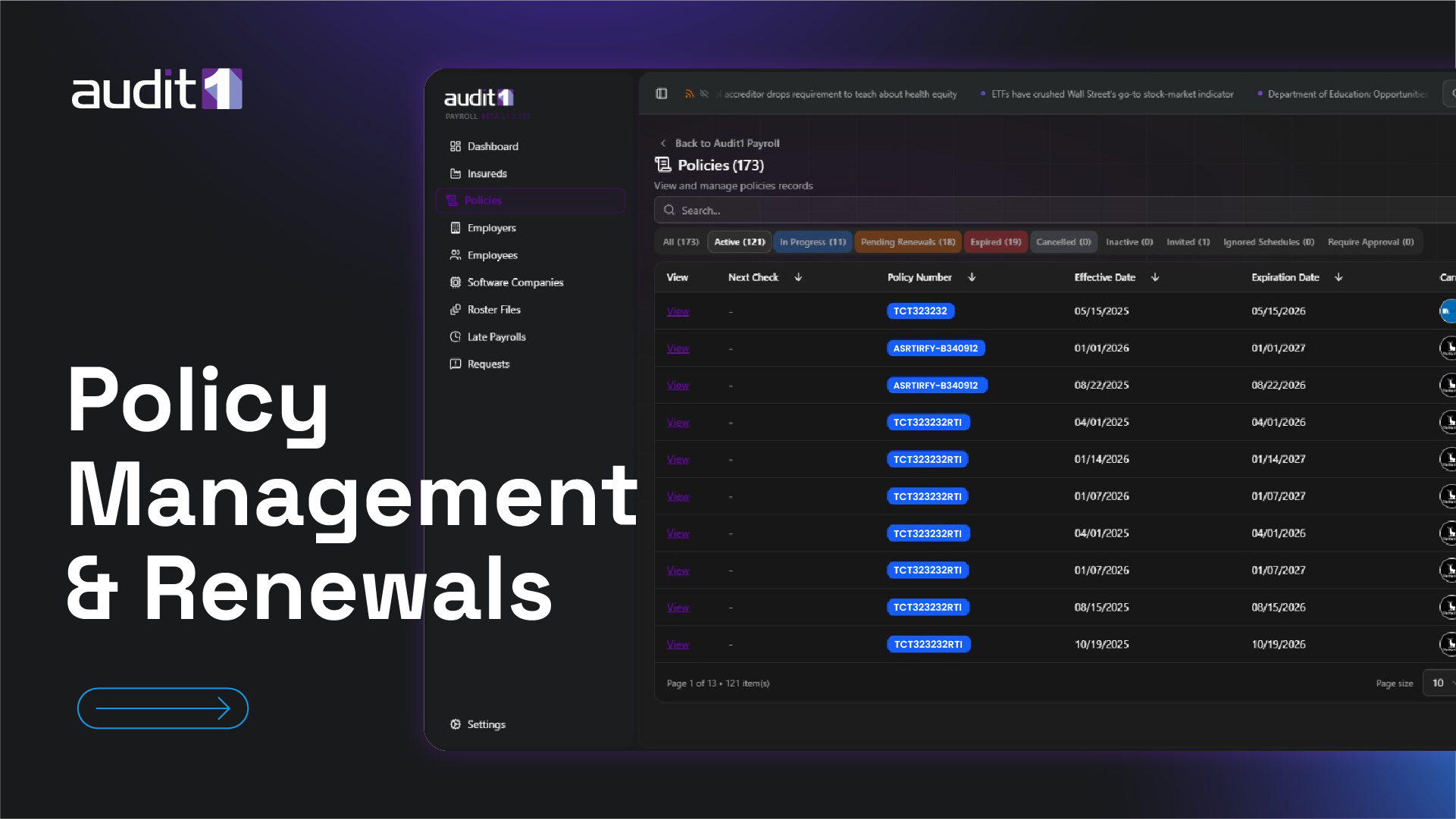
Create policies, manage class codes and rates, configure locations, and handle the renewal lifecycle.
Advanced
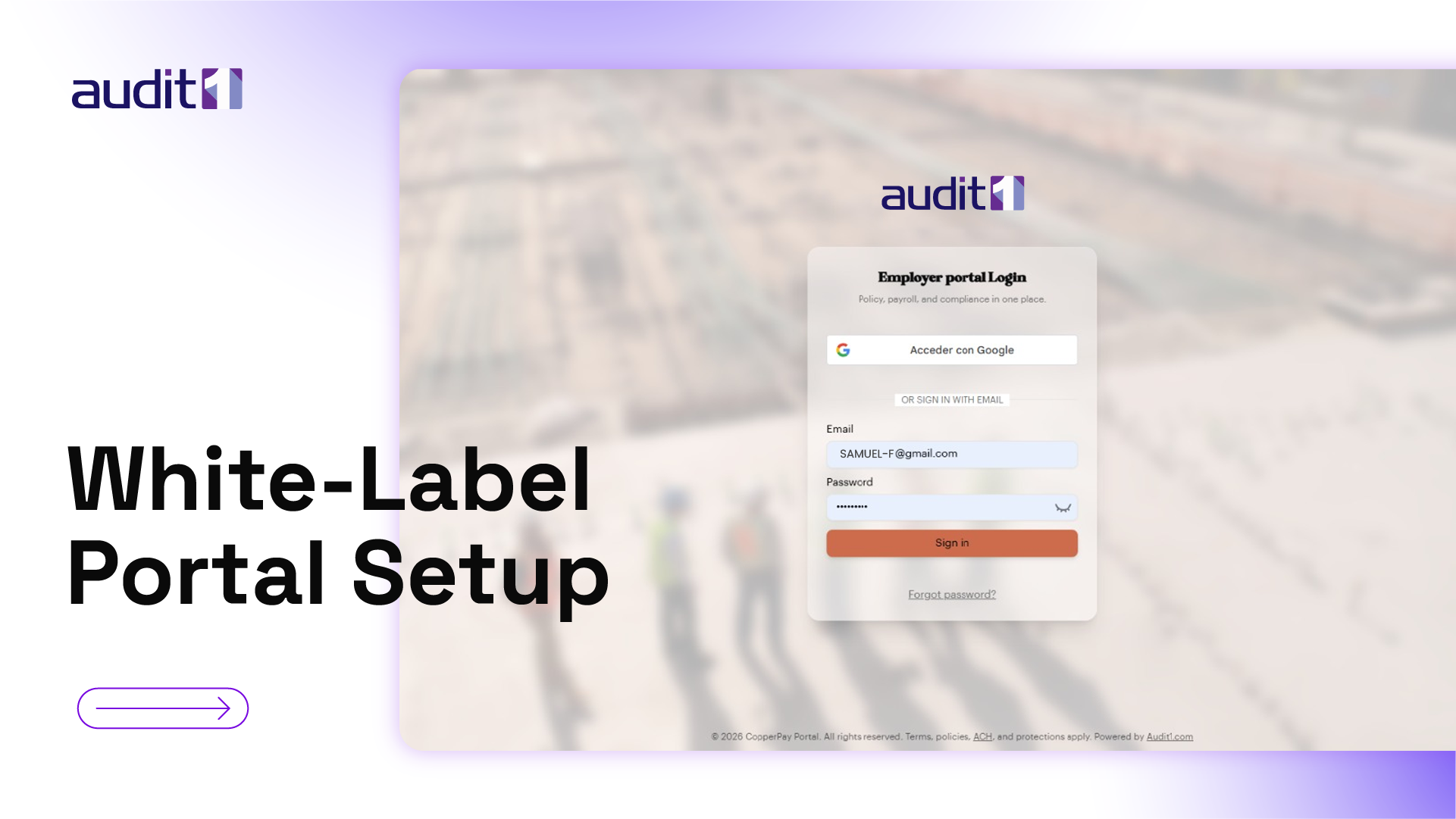
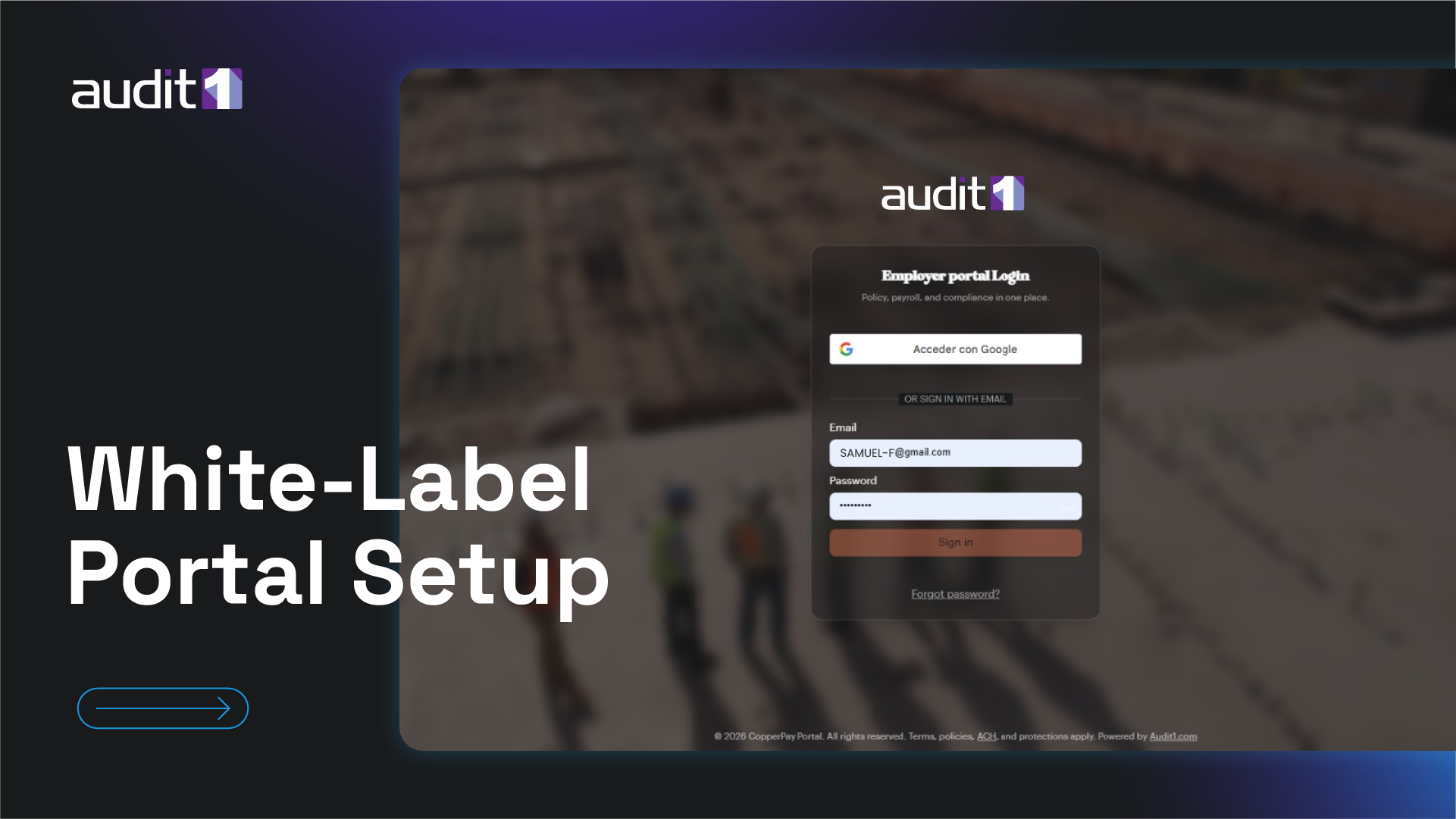
Configure custom domains, branding, fonts, and colors for your carrier's employer-facing portal.
Advanced
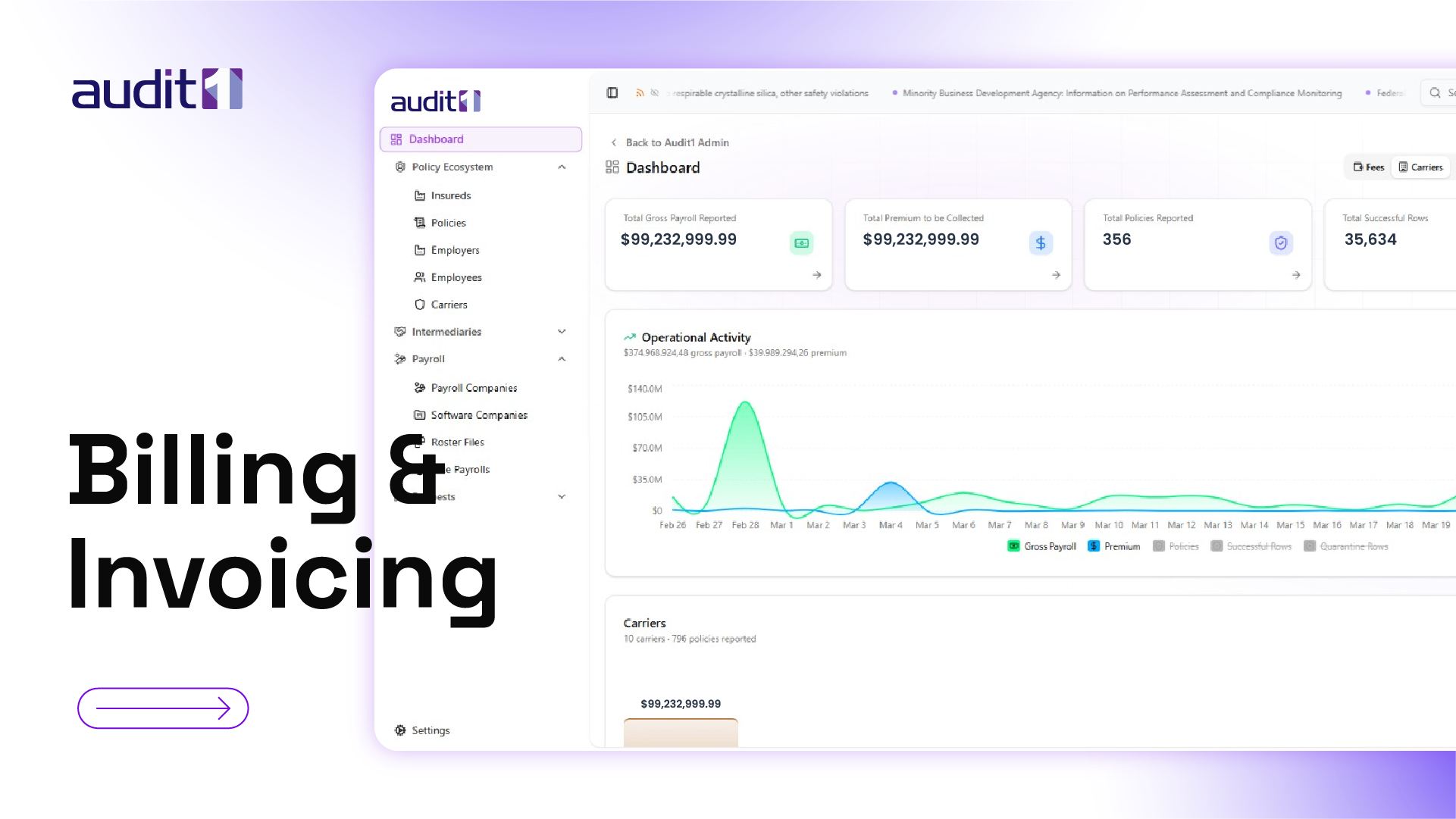
Understand billing models, configure carrier fees, manage invoices, and set up ACH collection.