What you'll learn
Before you start
- An AccountantsWorld (Payroll Relief) account
- Your Client API Key from AccountantsWorld support
1
Open the AccountantsWorld Connector
Under Connectors in the Connection Center.
Go to Settings → Payroll → Connections → Create Connection → Connectors and click Connect on the Accountants World card.
2
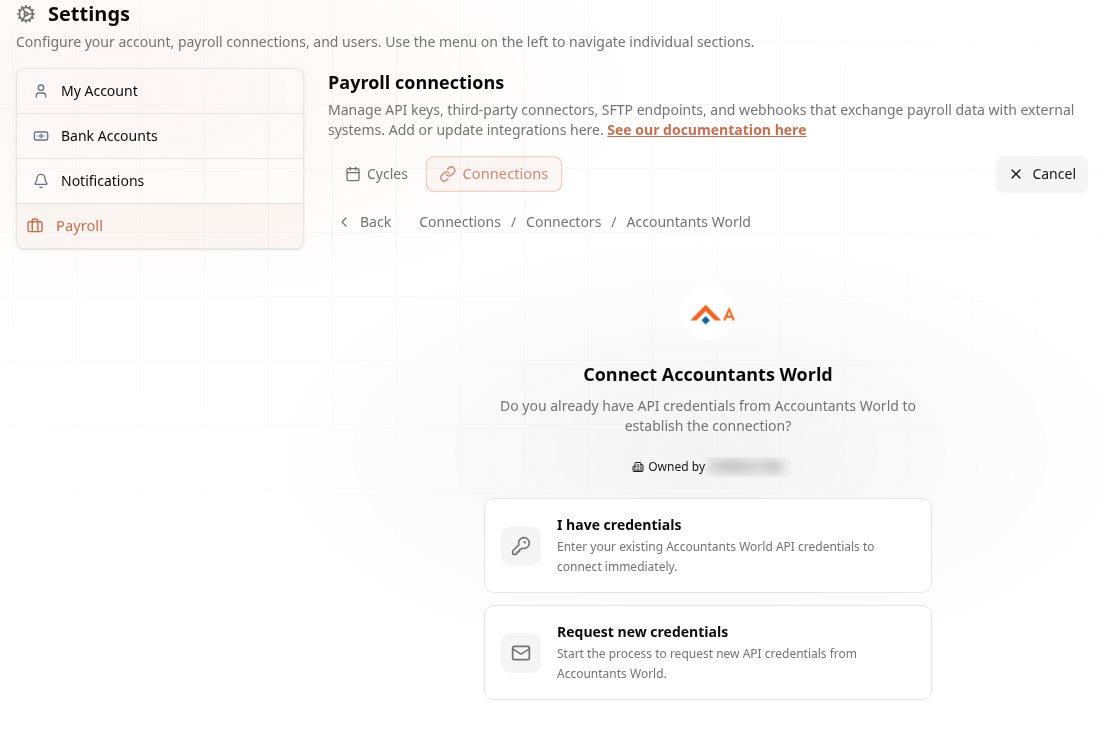
Choose Your Path
Credentials in hand, or request them.
3
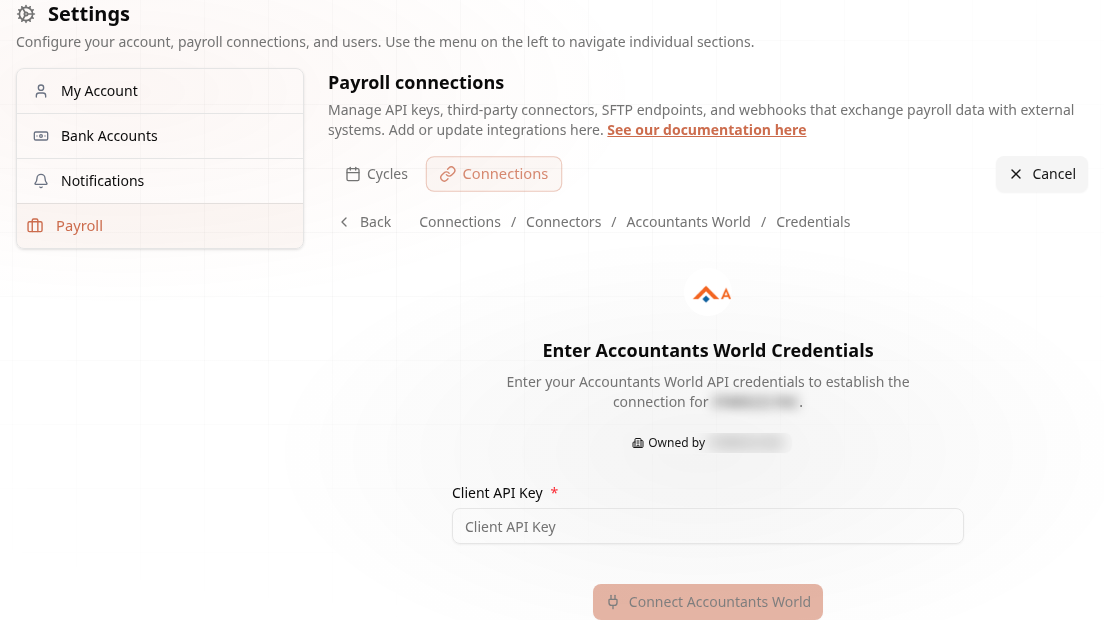
Enter the Client API Key
One field connects your payroll.
Connected! Accounting firm with many clients? The connector maps each AccountantsWorld client to its Audit1 employer — see the AccountantsWorld docs.