What you'll learn
Before you start
- A QuickBooks Online account with payroll data
- Sign-in access to your Intuit account
1
Open the QuickBooks Connector
Under Connectors in the Connection Center.
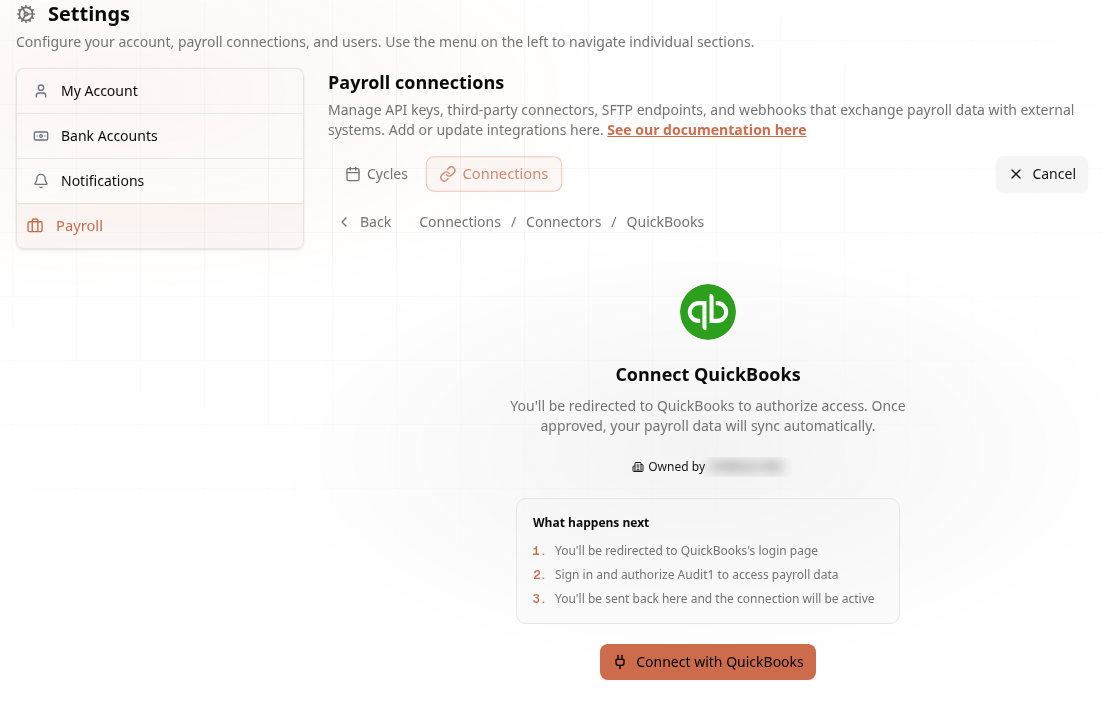
Go to Settings → Payroll → Connections → Create Connection → Connectors and click Connect on the QuickBooks card.
2
Authorize with Intuit
OAuth — the simplest connector of all.
Unlike credential-based connectors, QuickBooks uses OAuth. What happens next:
- You're redirected to QuickBooks's login page
- Sign in and authorize Audit1 to access payroll data
- You're sent back and the connection is active
3
Done — Data Syncs Automatically
Audit1 manages the tokens.
Audit1 stores a refresh token and rotates access tokens automatically — there is no secret to copy and nothing to renew manually.
That’s it! One authorization and your payroll syncs on schedule. More in the QuickBooks docs.