What you'll learn
Before you start
- An Audit1 account
- A system that can make HTTPS requests (your payroll platform or custom code)
1
Open the Connection Center
Navigate to the API Keys method.
- Employers: Settings → Payroll → Connections → Create Connection → API Keys
- Payroll companies: Settings → Connections Center → API Key → Get started
2
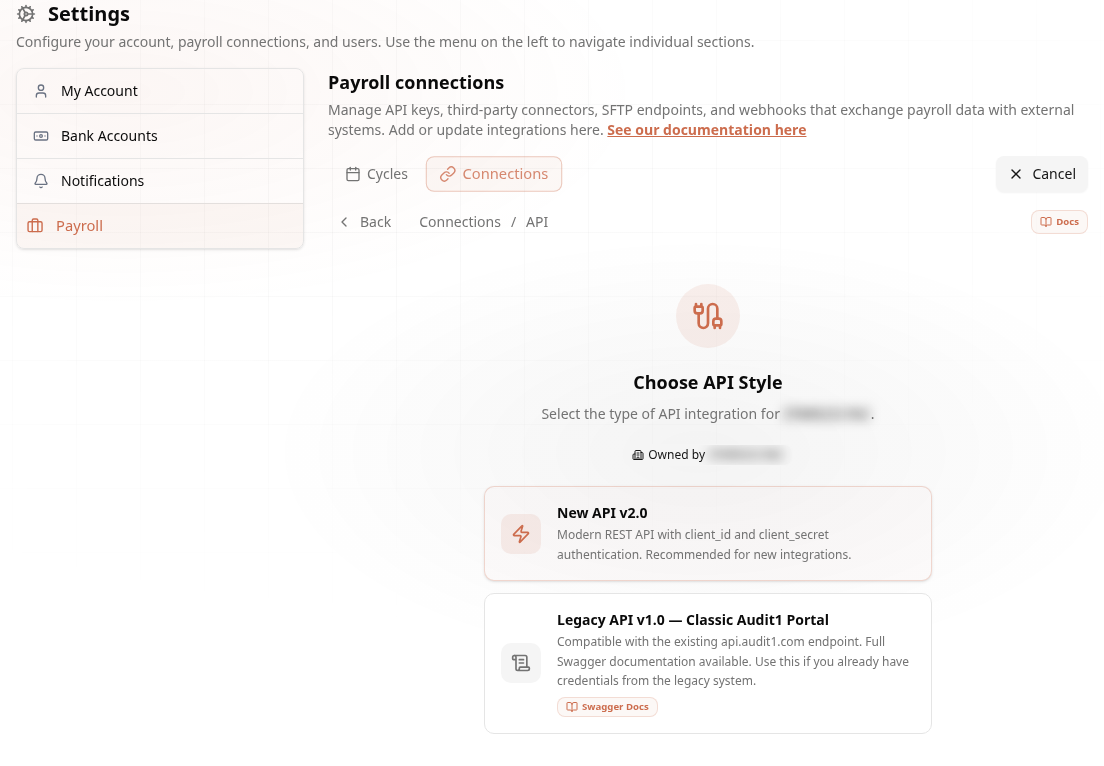
Choose Your API Style
New API v2.0 or the Legacy v1.0.
Pick New API v2.0 for all new integrations — modern REST with client_id + client_secret authentication. Legacy API v1.0 exists only for systems already built against the classic api.audit1.com portal.
3
Generate Credentials
One click creates your client_id and client_secret.
Audit1 generates a client_id and client_secret. Push payroll reports to apiv2.audit1.com/api/v2/payroll/reports with the X-Client-ID and X-Client-Secret headers — JSON payloads, HMAC-SHA256 security.
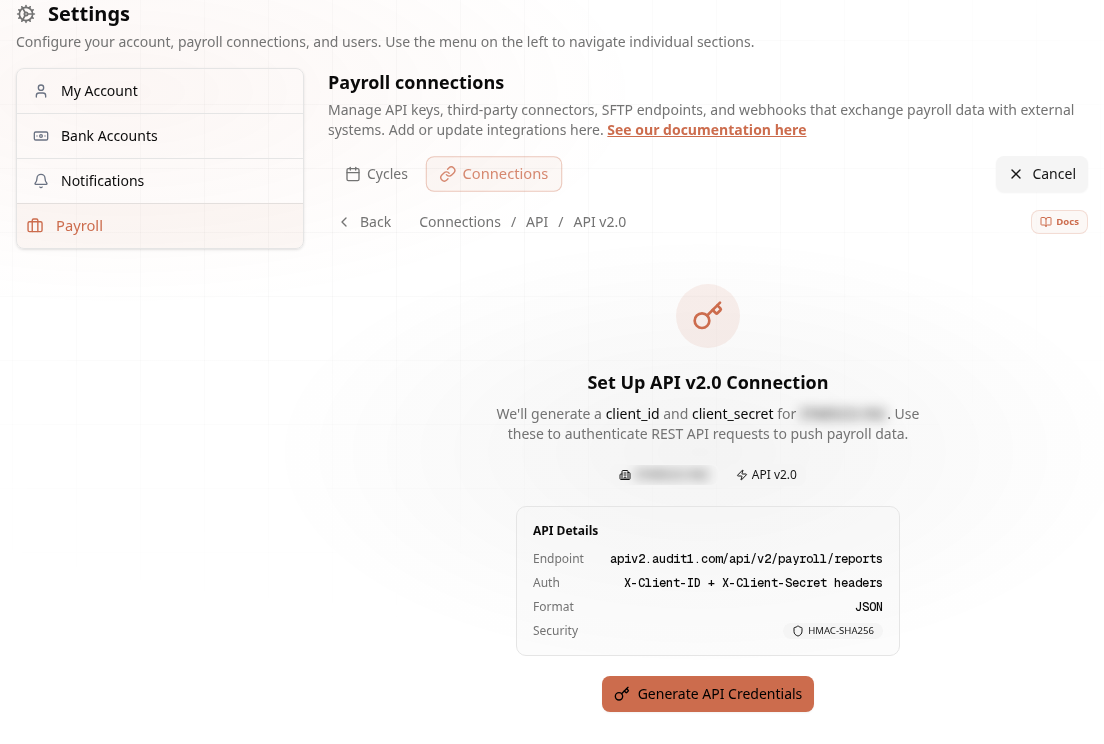
The secret is shown once. Store it in your secrets manager right away.
4
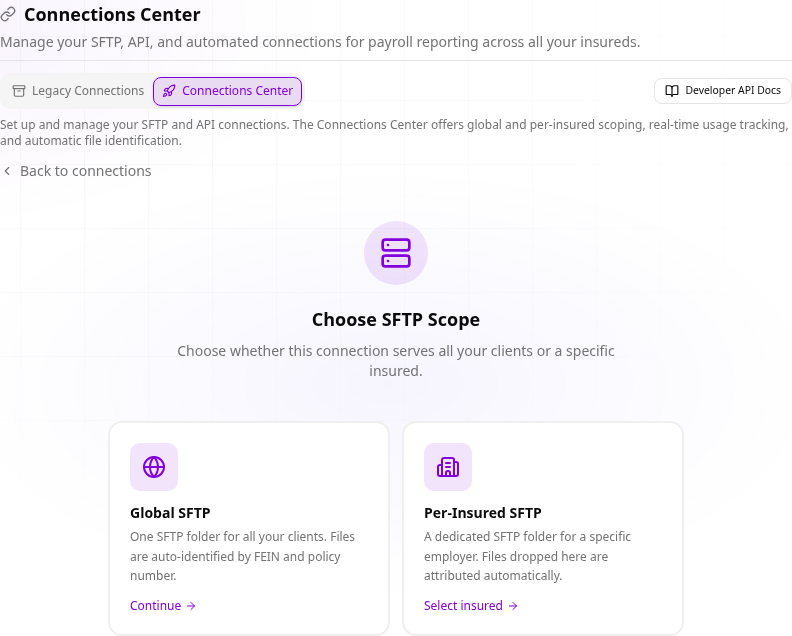
Provider Scope: Global or Per-Insured
One key for everything, or one per client.
Payroll companies choose between a Global API Key (one key pushes payroll for any of your clients) or a Per-Insured API Key (requests are scoped to that single insured).
Ready to code? Full request/response reference in the API docs.